Export a bead pattern as a printable PDF, sharp PNG, or making-only file
Prepare a pattern for the worktable, a customer, a class, or a shop listing. Choose the pages, labels, language, layout, watermark, and image treatment while previewing the real output.
Start designing free
No download or credit card required
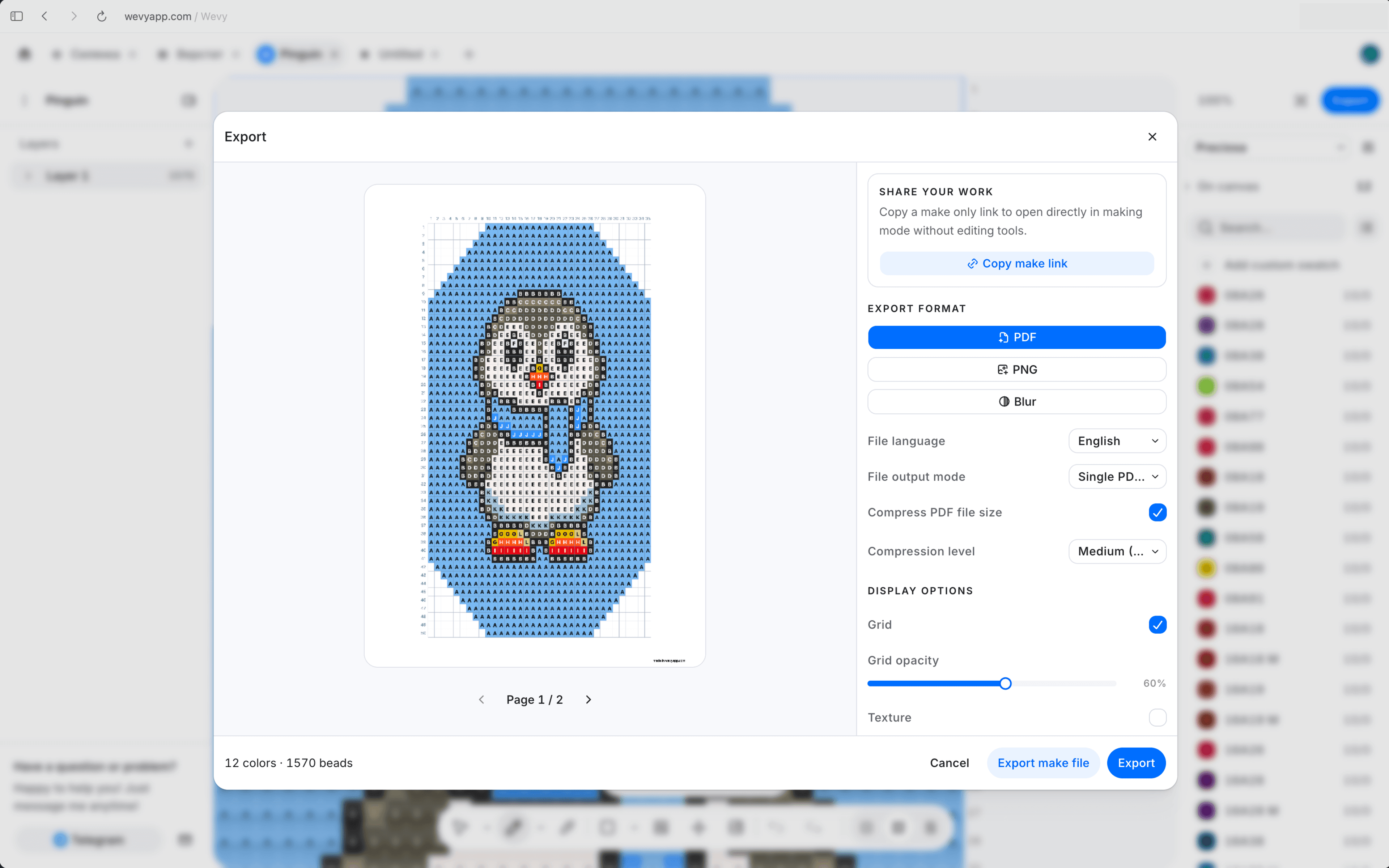
Turn the working chart into a useful document with the bead key, numbers, letters, preview, and construction details readers need.
High-resolution PNG images. Export a sharp full-color image for a preview, portfolio, post, listing, or digital reference.
Reusable export templates. Save page choices, display settings, header, footer, language, and watermark for repeatable output.
Read-only making links. Share the interactive step-by-step pattern when a maker needs guidance rather than a static file.
Choose a printable working chart, a clean image, or a protected preview without rebuilding the pattern for each use.
PDF for making and printing. Choose A4 output, one document or separate pages, compression, export language, cover pages, bead key, 3D preview, and full drawing pages.
PNG for showing the design. Create a sharp image at 1600 pixels or larger, as one continuous file or a separate image for each page.
Blur previews and watermarks. Share a recognisable preview without revealing every bead, then add tiled watermark text with your chosen scale and opacity.
The export starts from the live pattern, so its pages use the same chart, catalog beads, counts, letters, and geometry.

Finish the working chart
Check the grid, catalog colors, labels, material counts, and structure before opening export.

Choose the useful pages
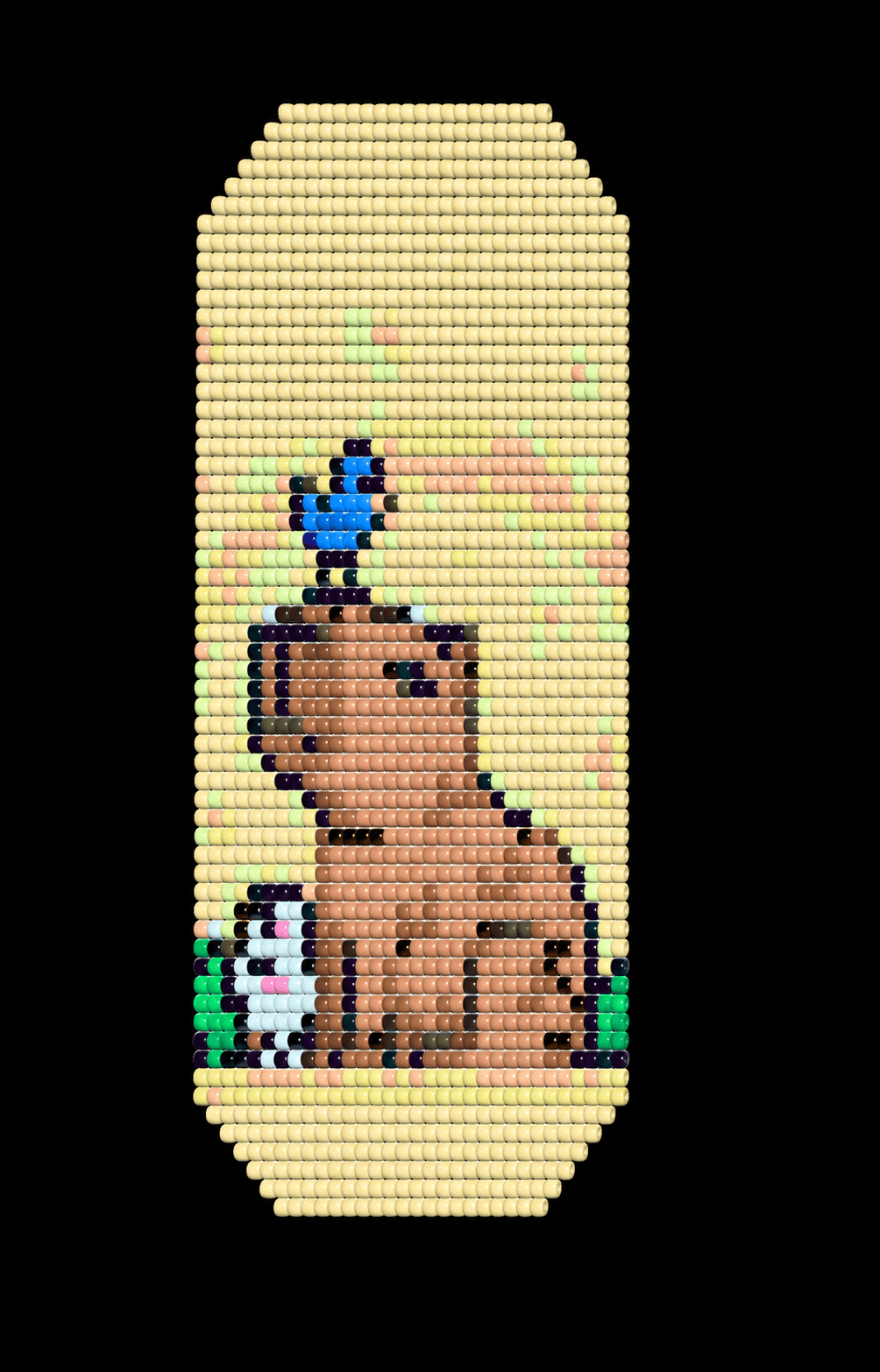
Add a clean first page, working chart, bead key, 3D preview, or rope stringing order where it helps.
Print, download, or share
Export the file for a worktable or customer, or copy a read-only Make mode link for guided making.
Answers about printable bead pattern PDFs, PNG images, bead keys, watermarks, templates, and plan limits.
Can I export a bead pattern as a PDF?
Yes. Hobby and Pro plans can export printable PDFs with the pages and display options selected in the export preview.
What can a bead pattern PDF include?
A PDF can include cover content, a bead key with counts and estimated weights, a 3D preview, paginated working charts, and rope views with stringing order for bead crochet patterns.
Can I export a bead pattern as a PNG?
Yes. Export a high-resolution PNG as one image or one image per page. PNG is best for sharing or display; PDF is better for printing and making.
Can I make a blurred preview for a shop listing?
Yes. The blurred drawing option creates a recognisable preview without a readable chart, and exported pages can also carry a tiled text watermark.
Can I save my PDF export settings?
Yes. Export templates can preserve page selections, display options, language, header, footer, extra pages, and watermark settings for later patterns.
Does the Free plan include file exports?
Yes, one a month. Free includes one PDF or PNG export per calendar month with a Wevy watermark, plus read-only Make mode links. Unwatermarked exports, blur previews, cover images, local backups, and making files require Hobby or Pro.