An online bead pattern editor built for real seed bead work
Draw loom, peyote, brick stitch, bead crochet, and sylianka patterns in your browser. Edit with real bead colors, layers, live material counts, 3D previews, and step-by-step making tools.
Open the editor free
No download or credit card required
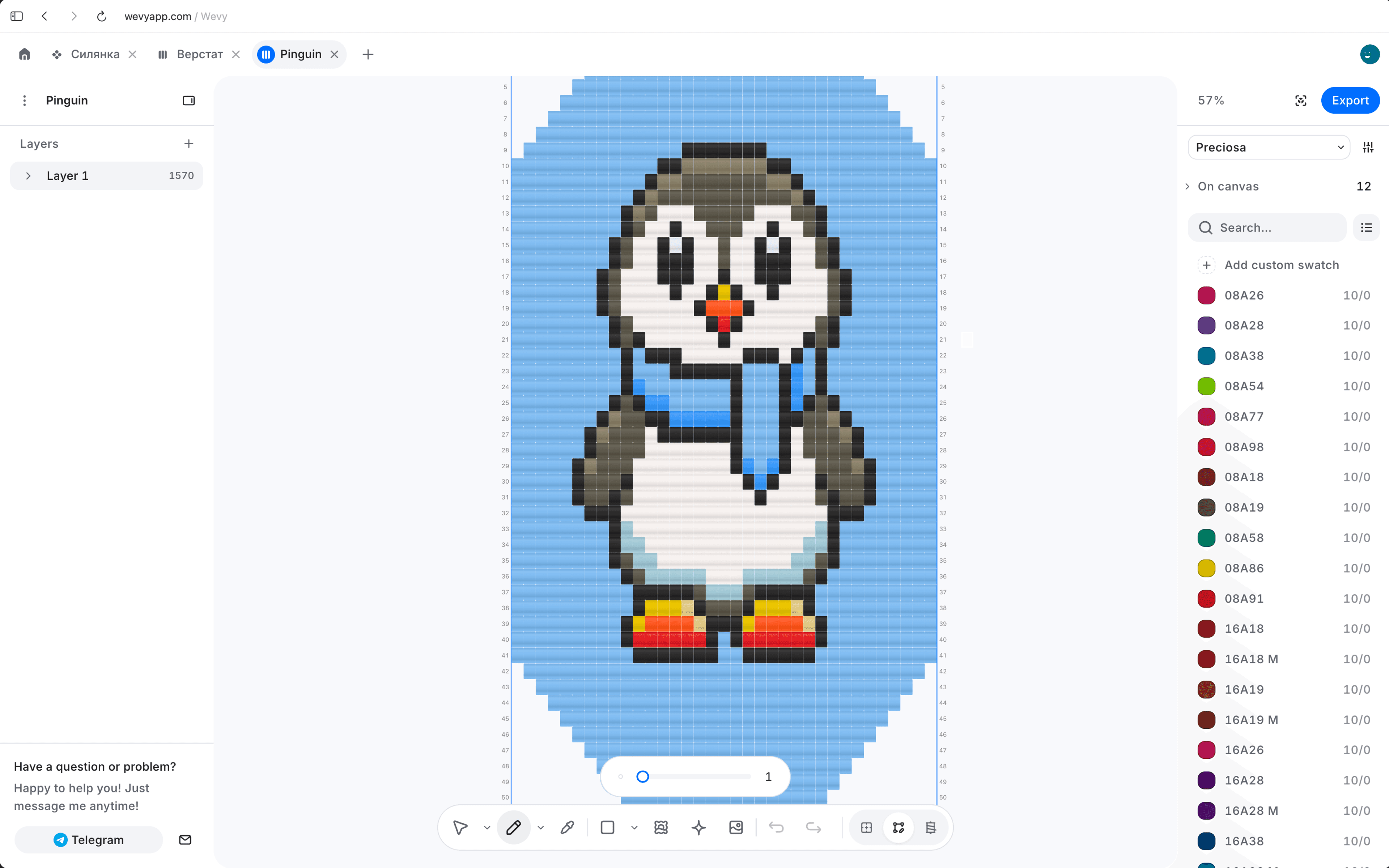
Design seed bead patterns with 7,072+ Preciosa, Miyuki Delica, and TOHO colors.
Miyuki Delica beads. Use Miyuki Delica cylinder beads and DB color codes for detailed loom, peyote, and brick stitch patterns.
TOHO seed beads. Add TOHO colors by article number, size, and finish, then keep every bead linked to the chart and material list.
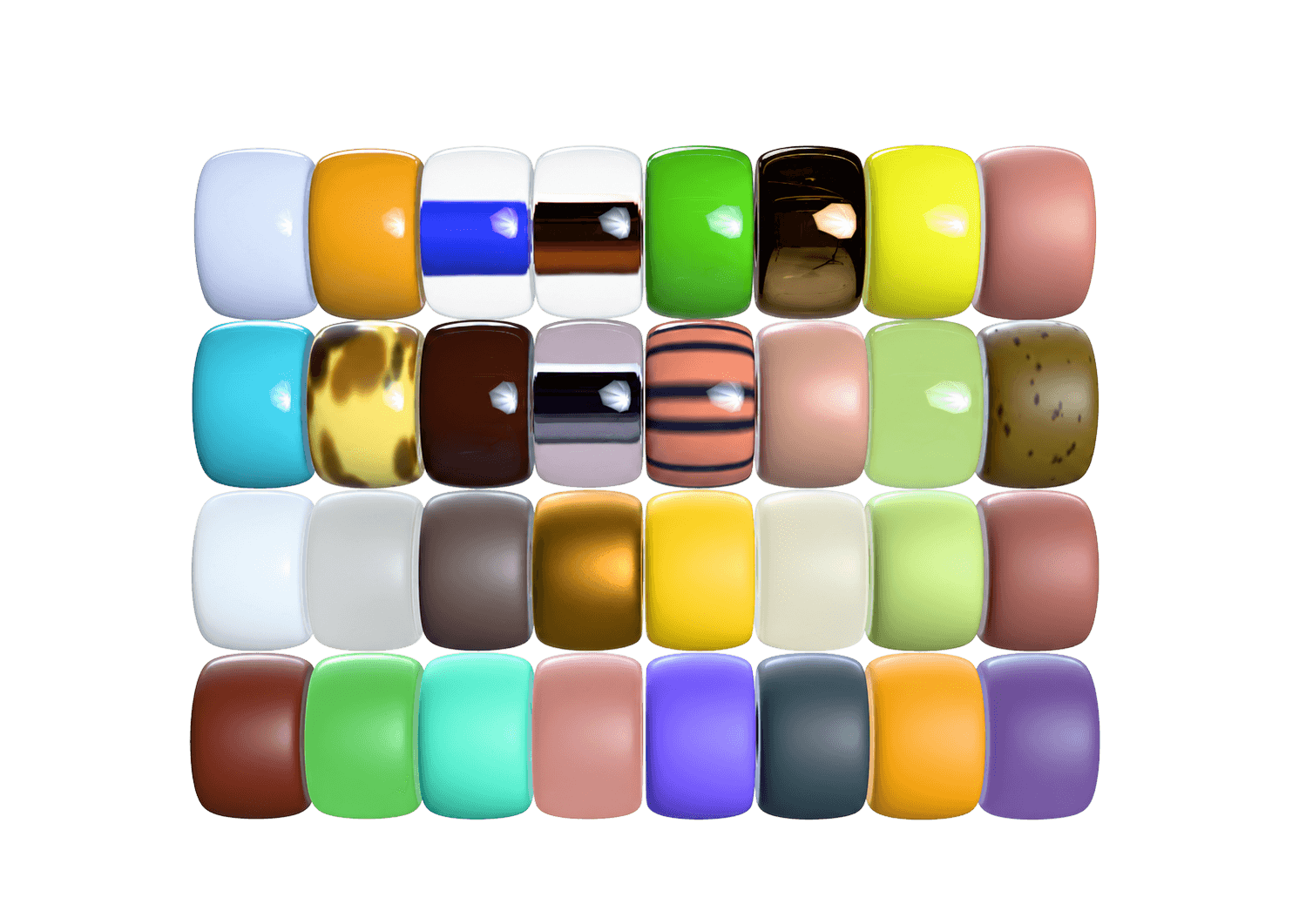
Revise the bead chart while its colors, layers, counts, preview, and making steps stay connected.
Edit bead by bead. Draw, fill, select, recolor, undo, and refine the chart without rebuilding it.
Trace a reference image. Place a photo under the grid, then adjust its scale, position, and opacity while you trace.
Work with real bead colors. Choose Preciosa, Miyuki Delica, and TOHO beads by article number, size, color, and finish.
Keep the pattern makeable. See live material counts, preview the finished form, and follow the same chart in Make mode.
Use a grid that matches how the beads sit in loom, peyote, brick stitch, crochet, and sylianka patterns.
Loom. Regular rows for bracelets, bands, and woven beadwork.
Peyote. Offset rows that follow the structure of peyote stitch.
Brick stitch. A staggered grid for brick-stitch motifs and shapes.
Bead crochet. A rope chart built around circumference and thread order.
Sylianka. Linked diamond mesh for traditional and contemporary designs.
Custom. A flexible grid for beadwork outside standard templates.
Turn a reference image into a bead pattern by placing it under the grid, then adjust its size, opacity, and position while you trace.
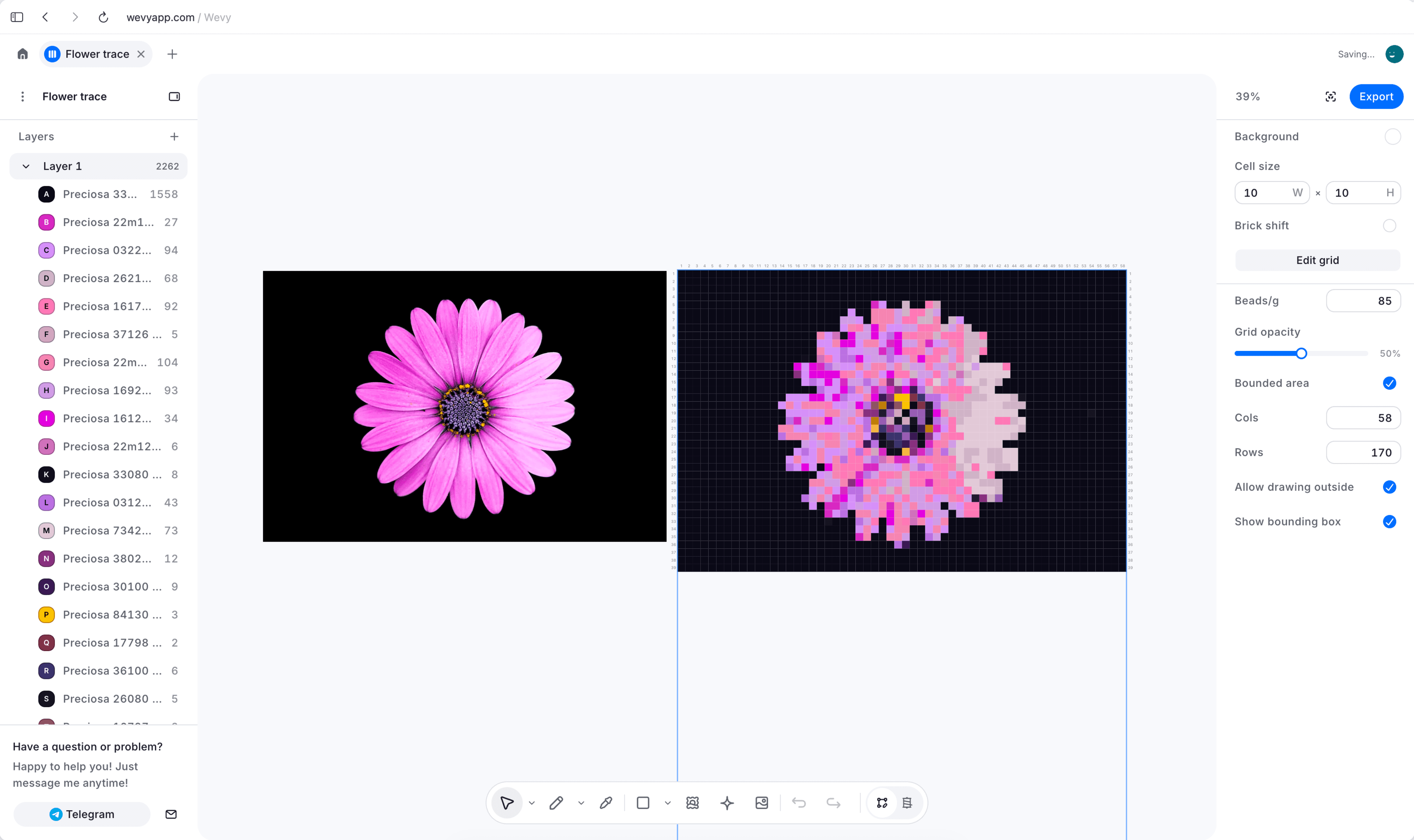
The editor is only the start. The same bead pattern stays useful from setup to the final row.

Edit bead by bead
Draw, recolor, select, and refine the chart without losing the details connected to it.
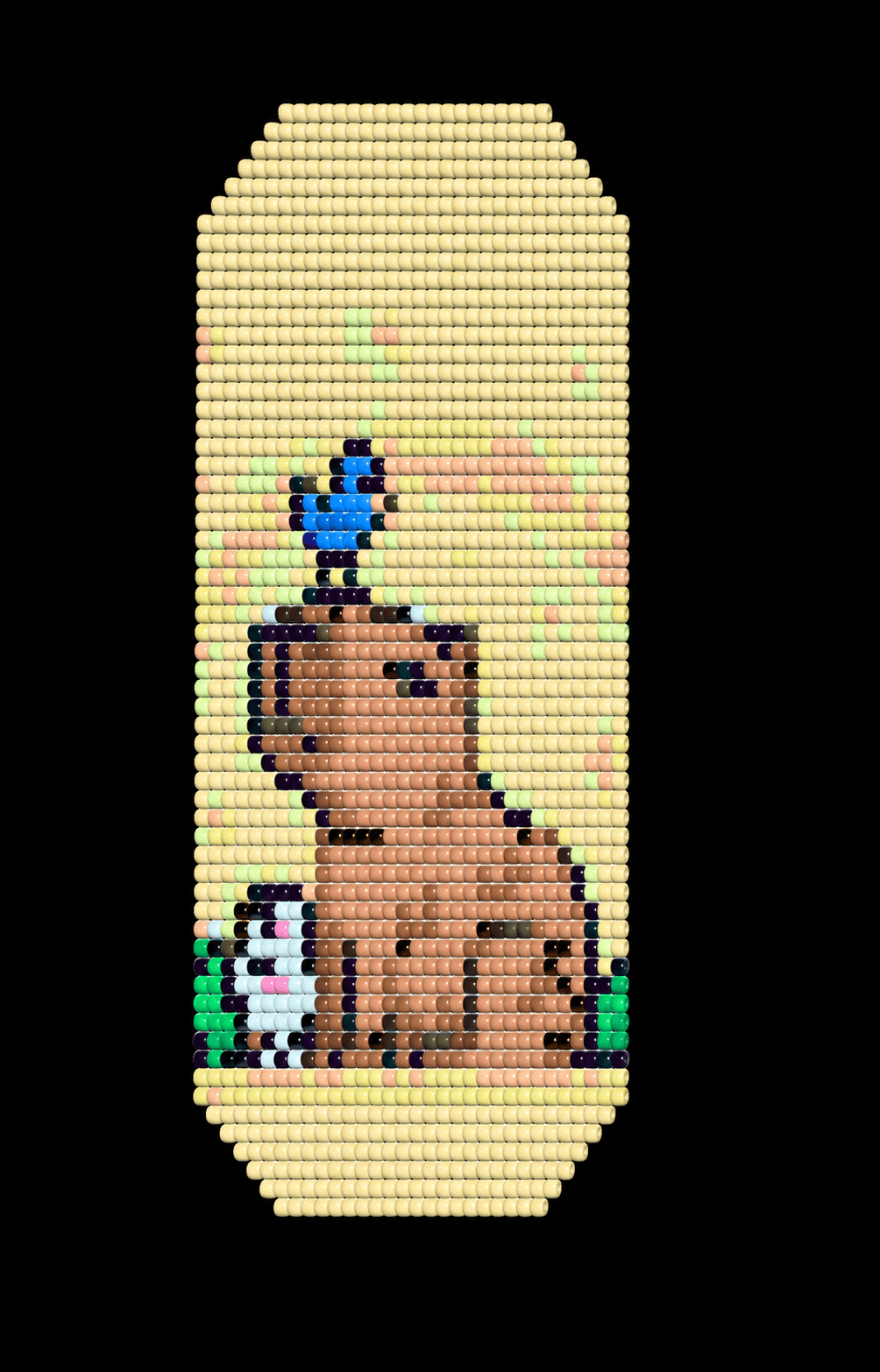

Check the finished form
Preview scale, color rhythm, and pattern wrap before you buy materials.
Follow every bead
Make mode keeps the current bead, next step, and your progress in view.
Answers about choosing a beadwork grid, turning images into patterns, previewing in 3D, and preparing a pattern to make.
Is Wevy a free online bead pattern editor?
Yes. The Free plan lets you create up to 3 cloud patterns and includes the bead catalog, 3D preview, Make mode, and read-only making links. Paid plans add more patterns, grids, image tracing, and exports.
Which seed bead patterns can I design?
Wevy supports grids for loom beadwork, peyote, brick stitch, bead crochet ropes, sylianka diamond mesh, and custom beadwork. Choose the grid that matches the structure of the finished piece.
Can I turn a photo into a bead pattern?
Yes. Place a photo or illustration beneath the grid, adjust its scale, position, and opacity, and trace the useful shapes into a clean bead chart. You stay in control of every bead.
Does the editor include Preciosa, Miyuki Delica, and TOHO colors?
Yes. Search 7,072+ catalog colors from Preciosa, Miyuki, and TOHO by article number, bead size, color, and finish. Screen color is an approximation, so verify physical beads before buying materials.
Does Wevy calculate how many beads I need?
Yes. The bead key totals each color used in the pattern and estimates material weight, helping you plan supplies before you begin.
Can I organize a bead pattern with layers?
Yes. Layers separate motifs, background work, guides, and reference images while keeping the working grid intact.
Can I preview my bead pattern in 3D?
Yes. Finished-form views help you check scale, colors, and how a design wraps. Bead crochet patterns can be previewed as a rope rather than only as a flat chart.
Can I print or export the finished pattern?
Hobby and Pro plans can export printable PDFs and images with the chart, bead key, and pattern details. The Free plan includes one watermarked PDF or PNG export a month and can share a read-only Make mode link.
Do I need to install bead design software?
No. Wevy runs in a modern web browser, so you can open the editor and work online without installing desktop software.