Bead pattern grids for loom, peyote, brick stitch, crochet, sylianka, and more
Choose the structure before you draw. Wevy gives flat beadwork, offset stitches, crochet ropes, linked mesh, shaped earrings, pods, and custom designs a grid that matches how the finished beads sit.
Start designing free
No download or credit card required
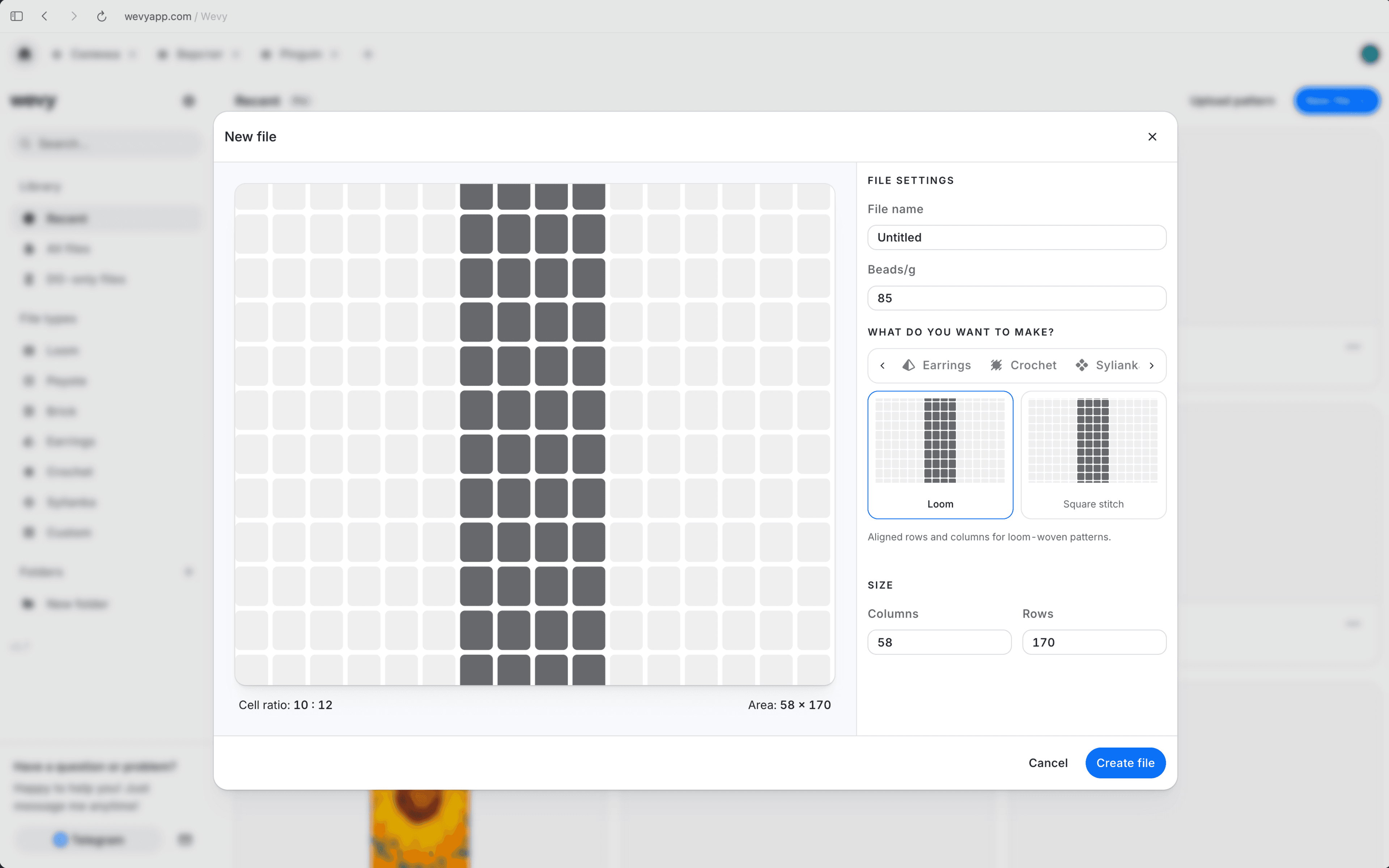
Start every seed bead pattern with a grid that matches how the finished piece is constructed.
Peyote stitch. Offset alternate rows so cylinder beads and seed beads follow the structure of peyote.
Brick stitch. Build motifs on a staggered grid that reflects the half-bead shift in brick stitch.
Bead crochet ropes. Set the circumference, draw the flat draft, and keep the spiral stringing order connected.
Flat grids, spiral ropes, linked diamond mesh, and shaped presets stay true to their construction.
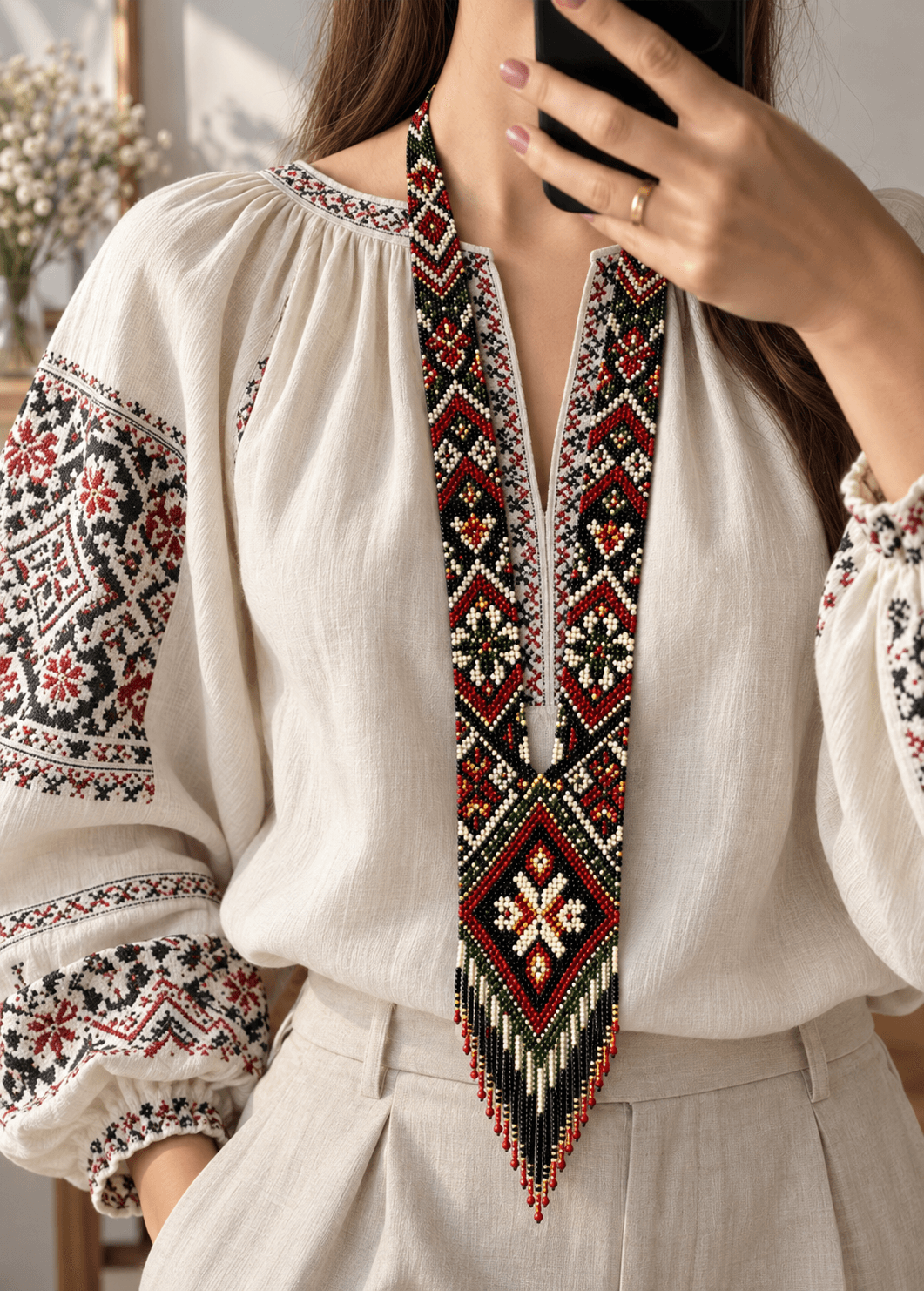
Gerdan and loomwork. Use aligned rows for necklaces, bracelets, bands, tapestries, and other flat woven beadwork.
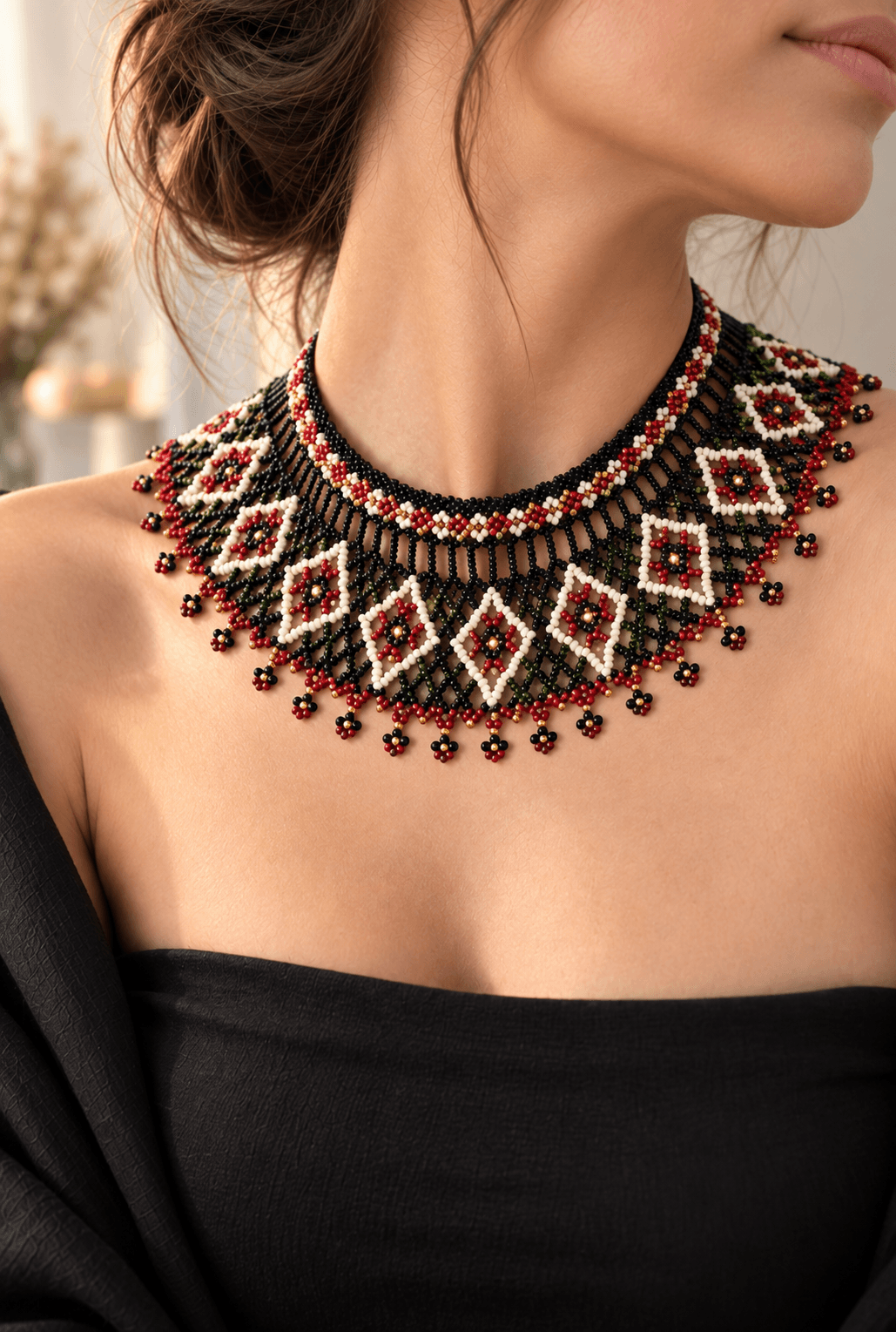
Sylianka and diamond mesh. Design traditional Ukrainian linked beadwork with structural sections instead of forcing it onto a square grid.
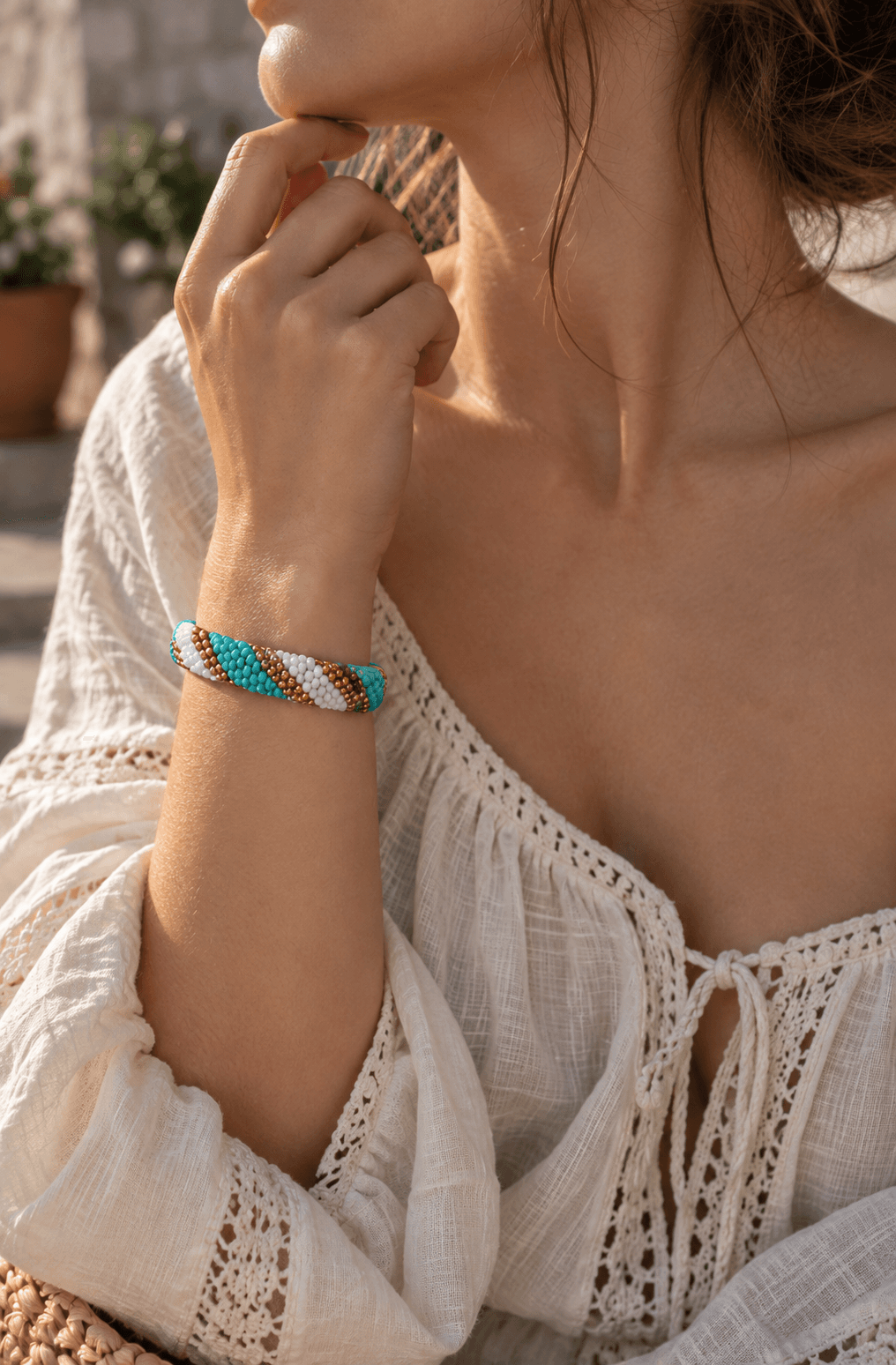
Peyote and bead crochet. Work with offset rows or set a rope circumference so the chart follows how the finished beads sit.
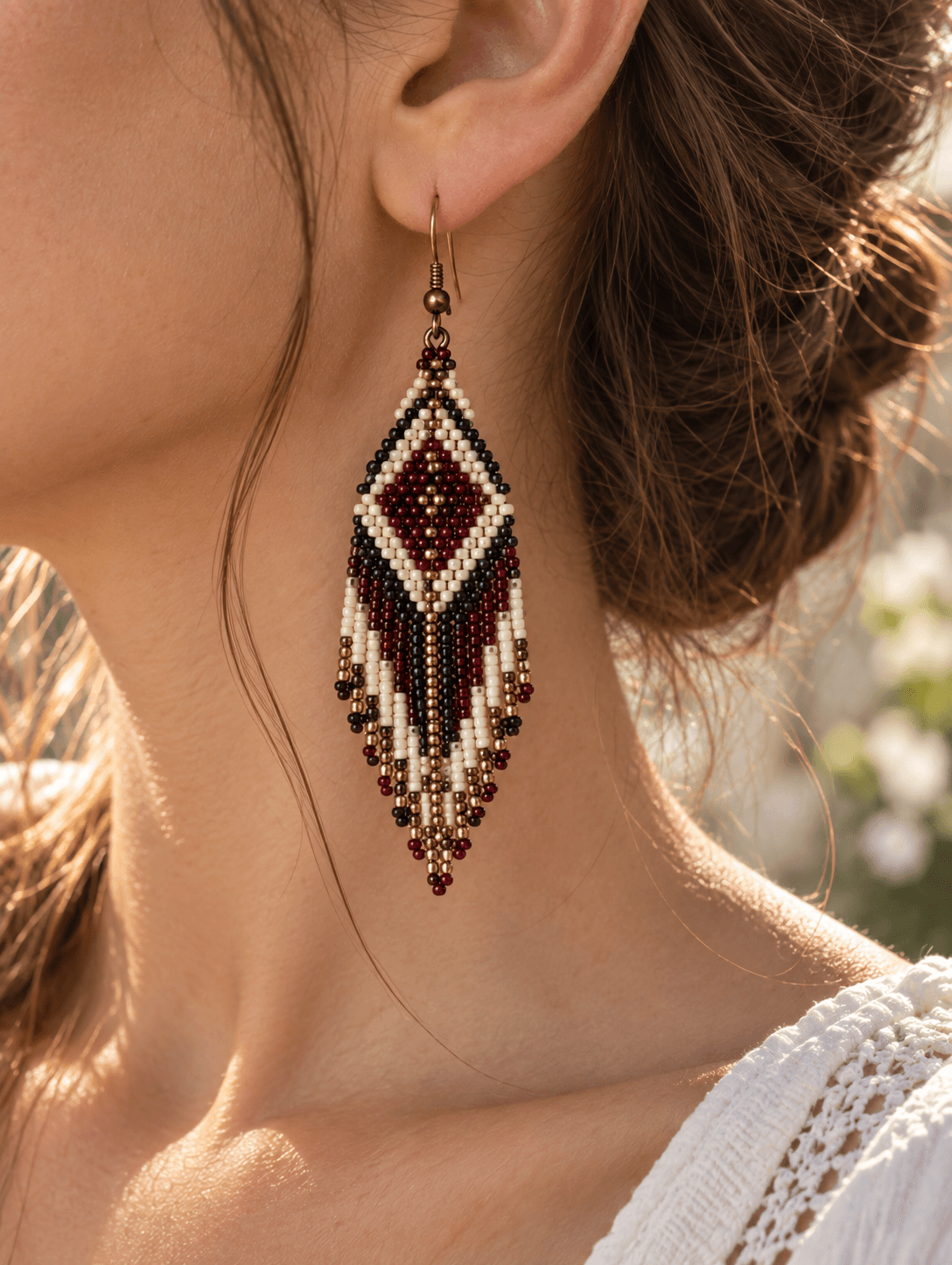
Brick stitch and earrings. Build staggered motifs or start with shaped 1-drop, 2-drop, and 3-drop earring presets.
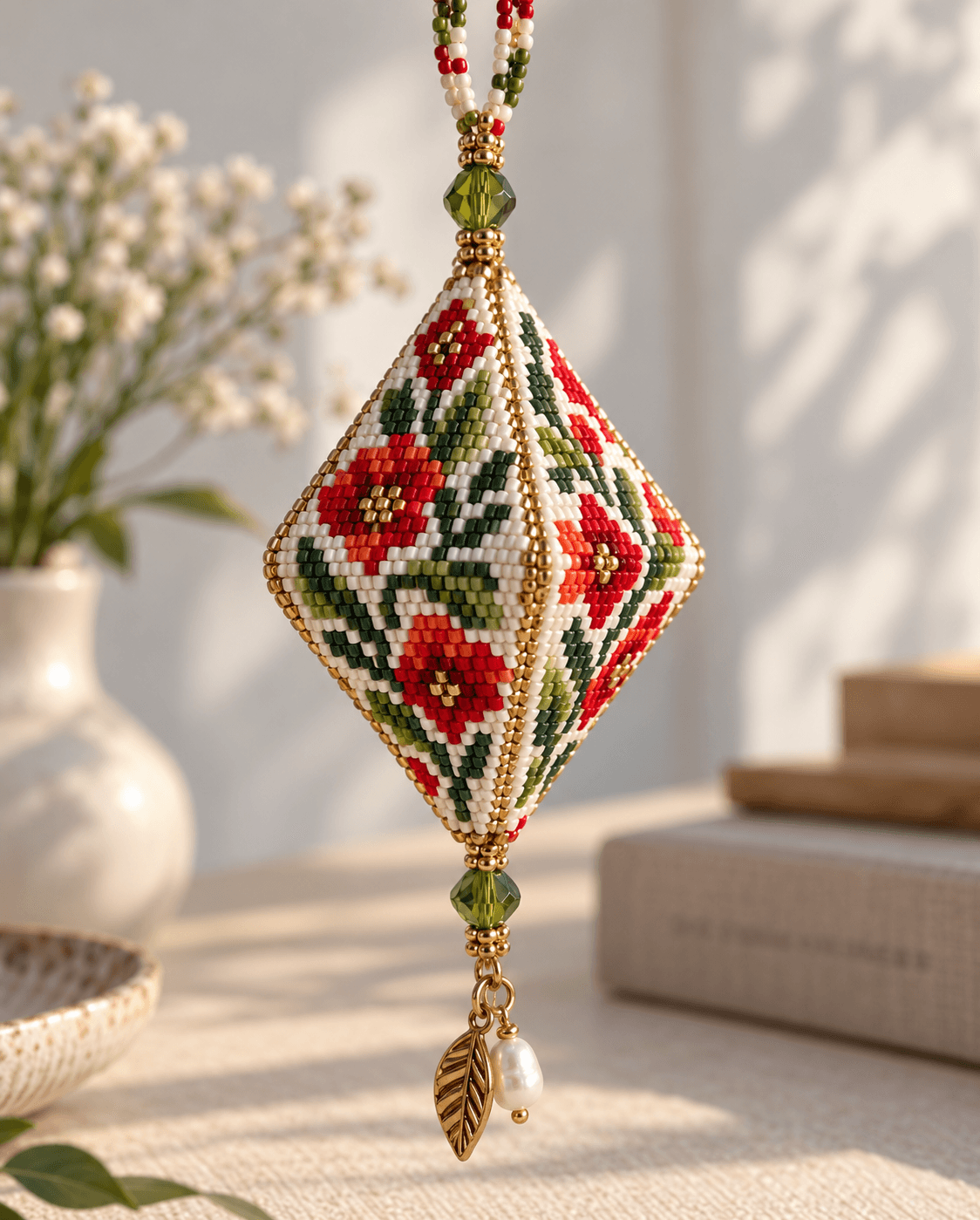
Custom and shaped beadwork. Start with a peyote pod, set exact dimensions, or use a freeform canvas for an original construction.
Choose the beadwork structure once, then let the chart, preview, counts, and making order follow it.

Choose the pattern type
Pick the grid and dimensions that match the piece before placing the first bead.
Design on the right geometry
Draw, fill, select, and recolor while row offsets, mesh, or rope circumference stay intact.
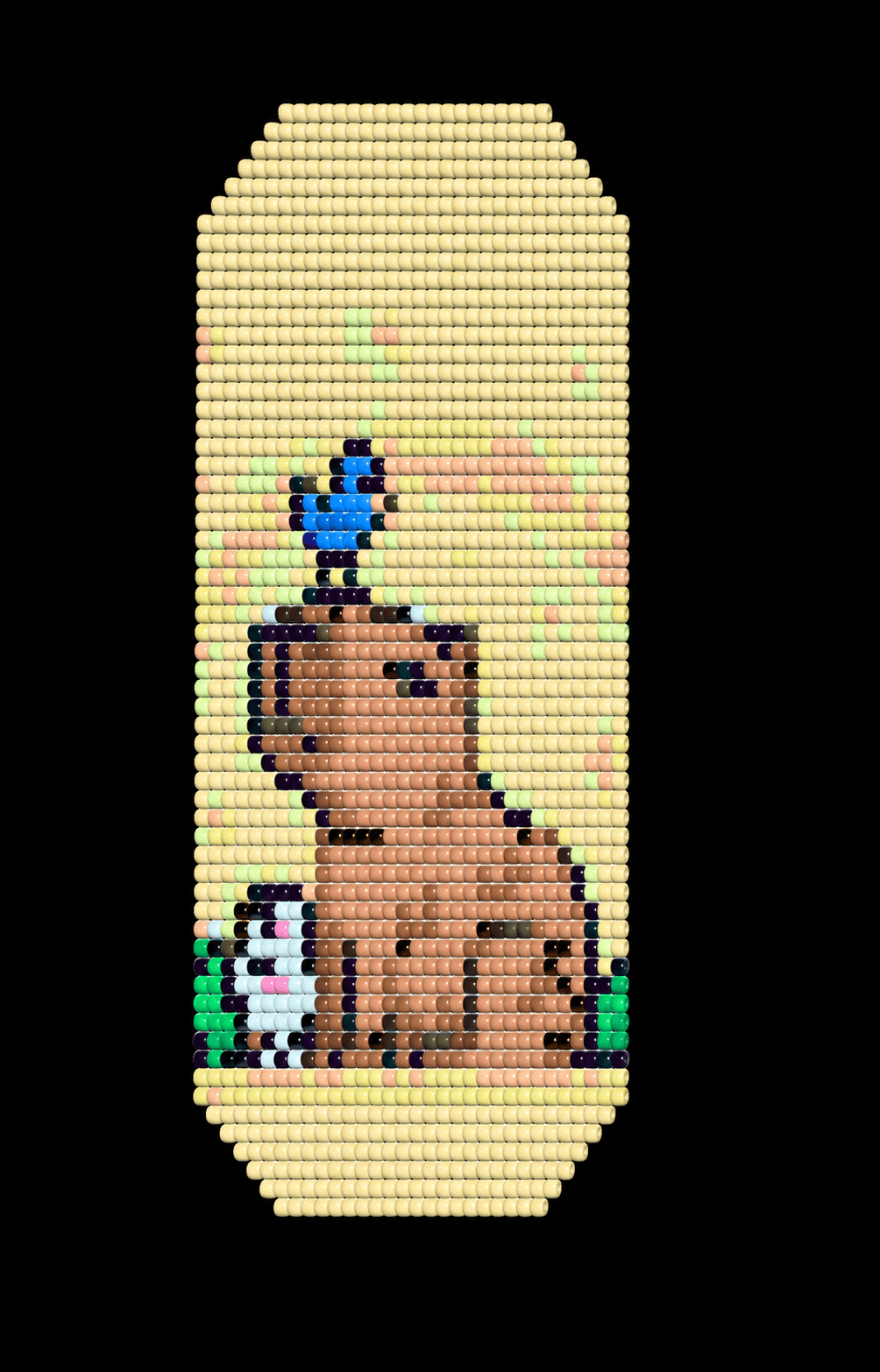

Check the finished form
Use the connected preview to catch a repeat or scale problem before you start making.
Answers about loom, peyote, brick stitch, bead crochet, sylianka, and custom pattern grids.
Which bead pattern types does Wevy support?
Wevy supports loom and square-stitch grids, peyote, brick stitch, bead crochet ropes, sylianka diamond mesh, shaped earring presets, peyote pods, and custom bounded or freeform beadwork.
What is the difference between loom, peyote, and brick stitch grids?
A loom grid uses aligned rows. Peyote and brick stitch offset alternate rows by half a bead, which changes how the chart maps to the finished beadwork.
Can I design a bead crochet rope pattern?
Yes. Choose the rope pattern type, set the circumference, and Wevy derives the reflowed views, 3D helix, stringing order, and Make mode steps from the same draft.
Can I create a traditional sylianka pattern?
Yes. The sylianka grid uses linked diamond mesh and structural sections so the chart, bead key, and making order describe the actual necklace construction.
Can I make an earring pattern?
Yes. Start with a straight area or choose a shaped 1-drop, 2-drop, or 3-drop earring preset, then set the width and length you need.
Can I create a completely custom bead grid?
Yes. Use a custom bounded area for exact dimensions or freeform mode when the design should extend beyond a fixed rectangle.