Follow a bead pattern step by step without losing your place
Make mode turns the same chart you designed into focused instructions. See the active row, pickup, diamond, or petal; read color letters and bead counts; hear optional callouts; and keep your progress visible.
Start designing free
No download or credit card required
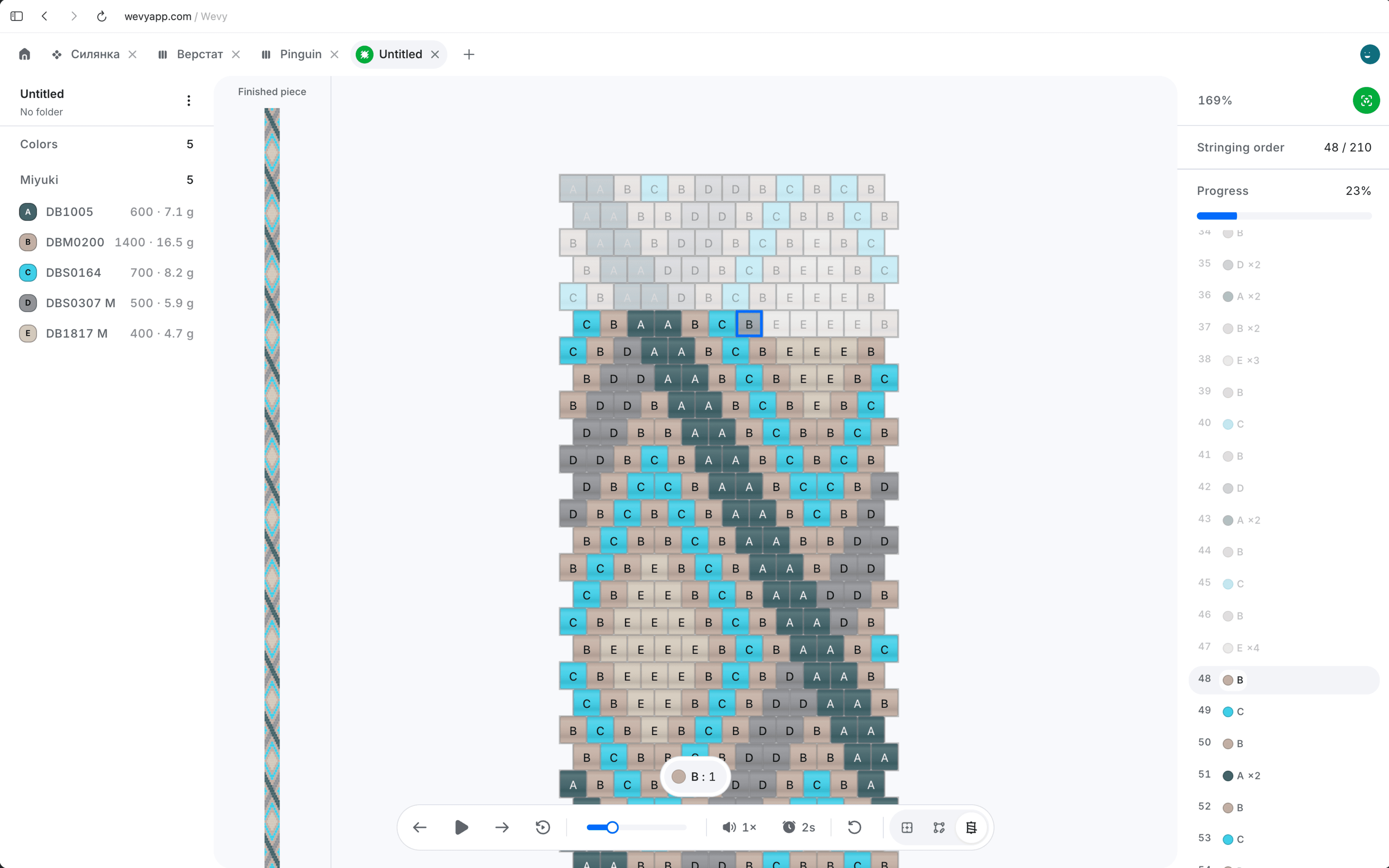
Keep the chart, current instruction, bead key, and progress together while both hands are busy making.
Highlight the current step. Finished beads dim, the active group stays clear, and the next action remains close to the chart.
Hear bead callouts. Play color letters and quantities in English or Ukrainian when looking away from the screen is easier.
Share a making-only link. Let another maker follow the pattern in a read-only view without access to editing tools.
Make mode reads each pattern according to its construction instead of flattening every project into the same row list.
Loom, peyote, and brick stitch. Move through the chart row by row with color runs, bead counts, direction controls, and the active beads highlighted.
Bead crochet ropes. Follow pickup runs in stringing order while the chart and rope views agree on which beads are complete.
Sylianka and peyote pods. Work through linked diamonds, bridges, petals, and step-up actions with the correct bead groups for each structure.
Design the pattern once, then use that same source as a calm, readable guide at the bead tray.

Open the finished chart
The material choices, letters, geometry, and counts already connected in the editor come with it.
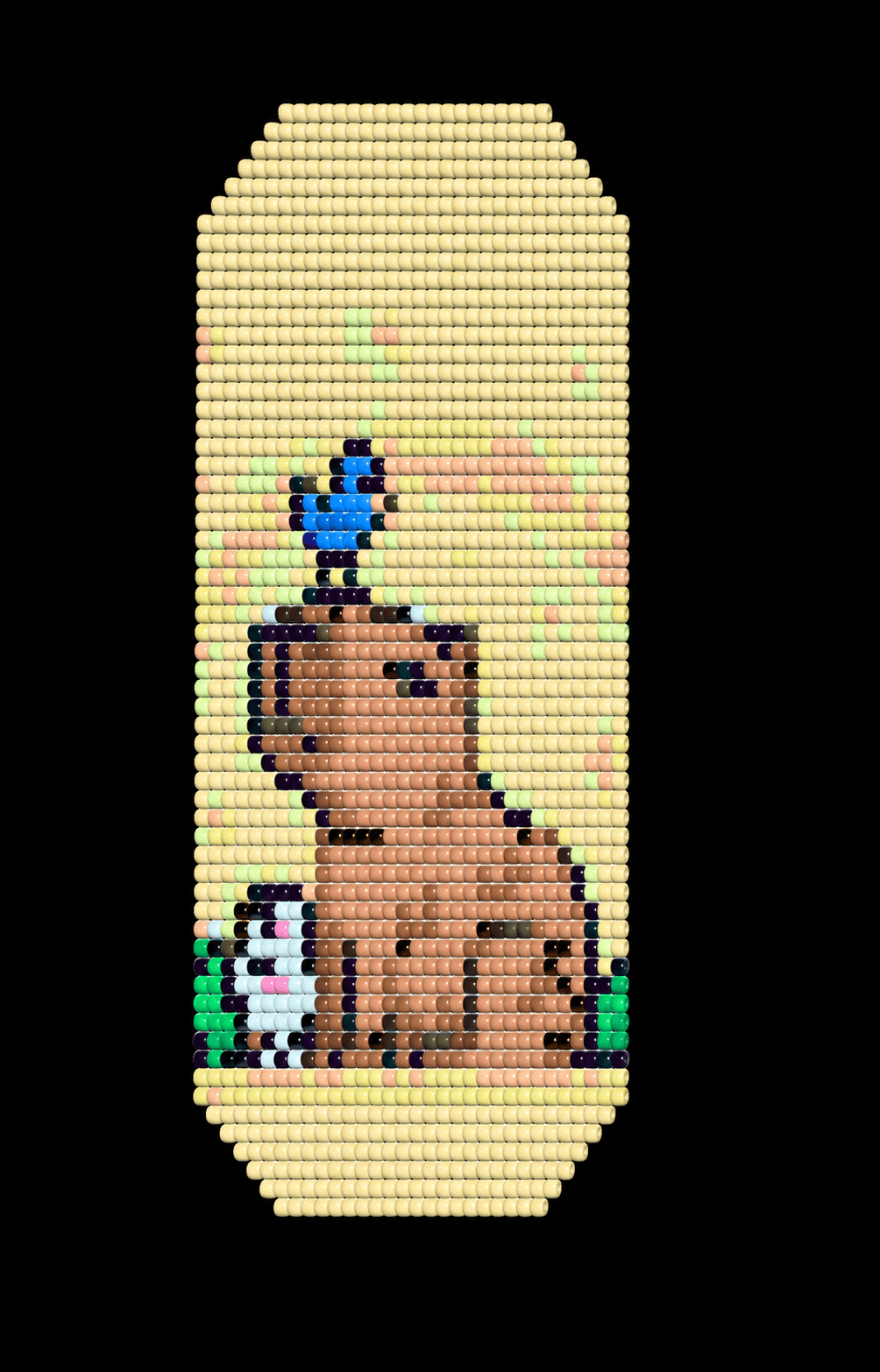

Check the form before making
Use the preview when you need context for a repeat, wrap, or finished proportion.
Advance one step at a time
Move forward or back, change direction, replay a callout, and return to the saved place later.
Answers about step-by-step bead instructions, progress, audio callouts, pattern types, and sharing.
What is Make mode in Wevy?
Make mode is a focused view for following a saved bead pattern. It highlights the current step, shows the needed colors and counts, and tracks progress without editing the chart.
Which bead patterns work with Make mode?
Make mode supports loom, peyote, brick stitch, bead crochet ropes, sylianka, peyote pods, and custom charts, with steps derived from each pattern's structure.
Can Make mode read bead counts aloud?
Yes. Optional spoken callouts can read supported color letters, numbers, bead quantities, needle directions, and crossing actions in English or Ukrainian.
Does Make mode save my progress?
Yes. Your current making position is stored on the device so you can return to the pattern without searching for the last completed step.
Can I change the direction I follow the pattern?
Yes. Available controls let you reverse or alternate the reading direction and rotate the working view when that better matches how you hold the piece.
Can I share Make mode with someone who does not have an account?
Yes. A read-only making link opens directly in Make mode for anyone with the link, without exposing the owner's editing tools.