 Example · Custom grid
Custom bead grid designer
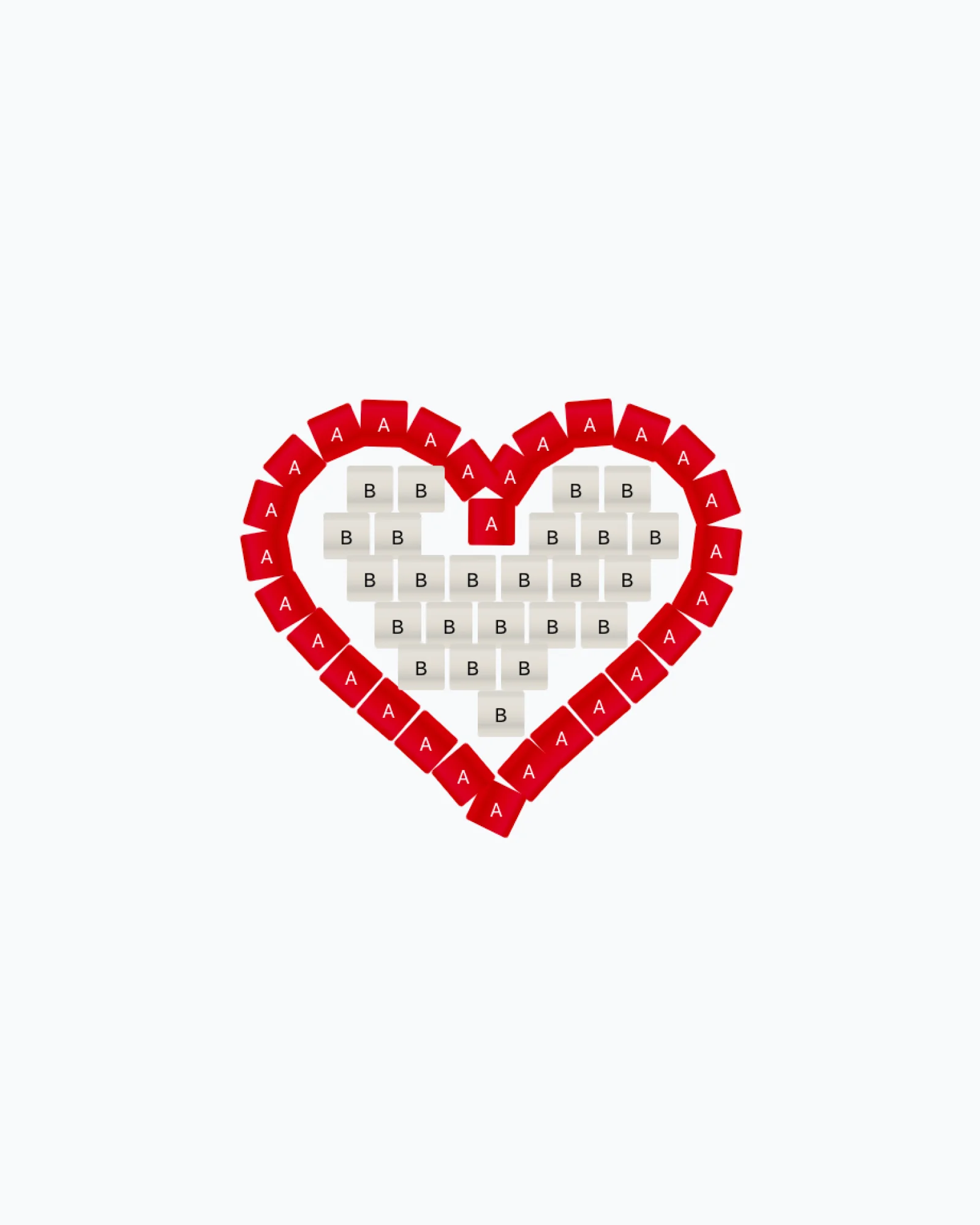
When no standard grid fits, build your own. Place every bead where it belongs, scale it, turn it, then save the layout as a template for the next piece.
No credit card required

- Plan
- Free during beta
- Open to every plan while in beta, then Pro
- Starting grid
- An 8 × 8 block to reshape
- Make mode
- Not available
- Export
- PDF chart, bead key, PNG
Beadwork that needs its own grid
Example · Custom grid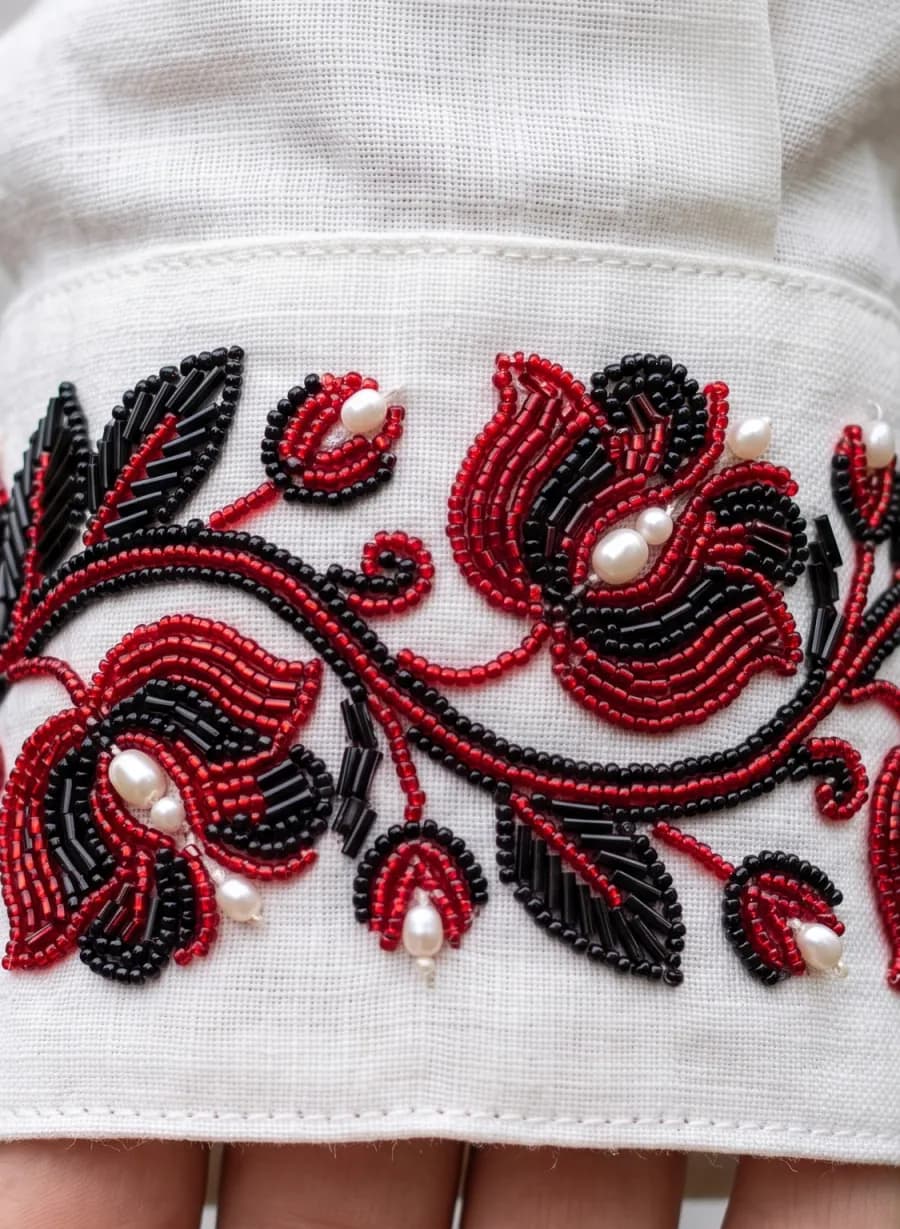 Example · Custom grid
 Example · Custom grid
 Example · Custom grid
What is a custom bead grid?
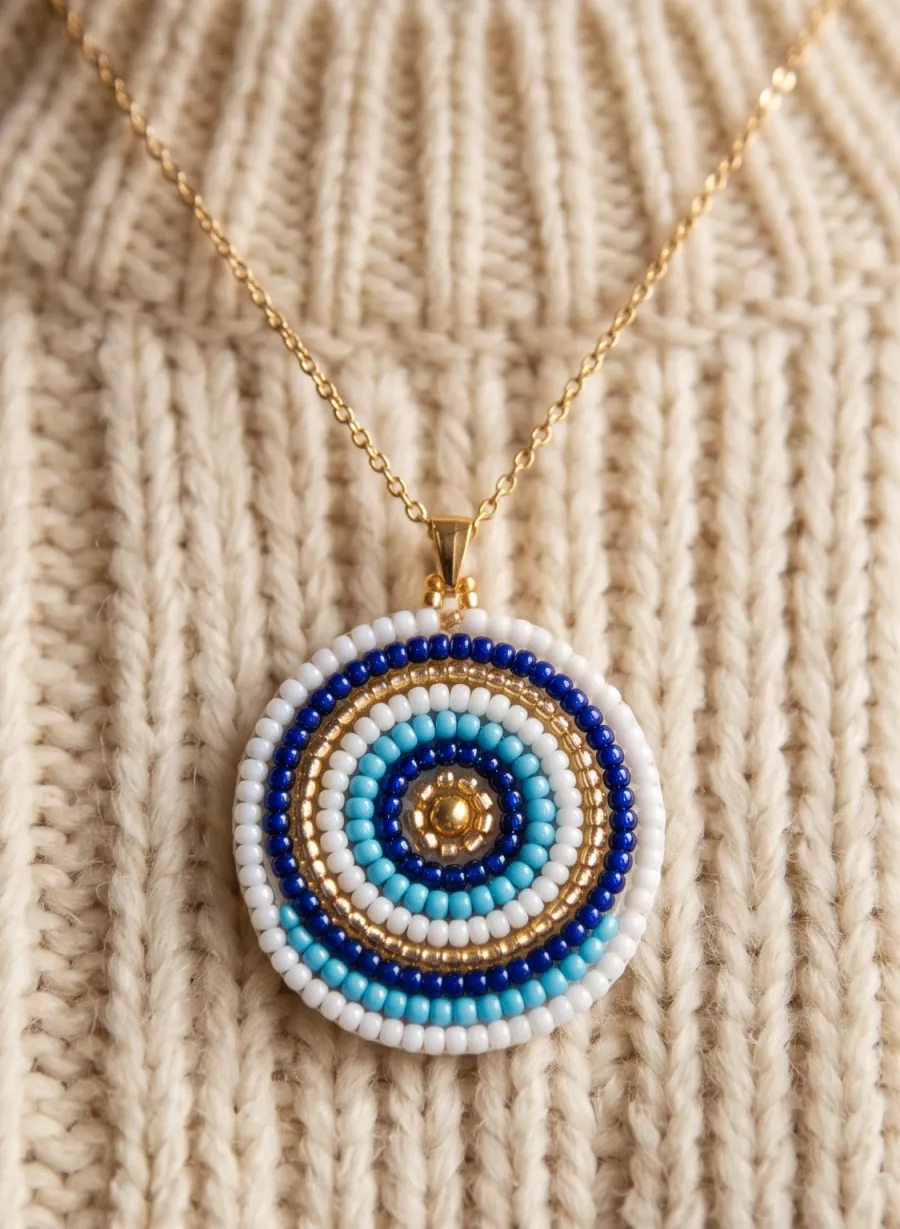
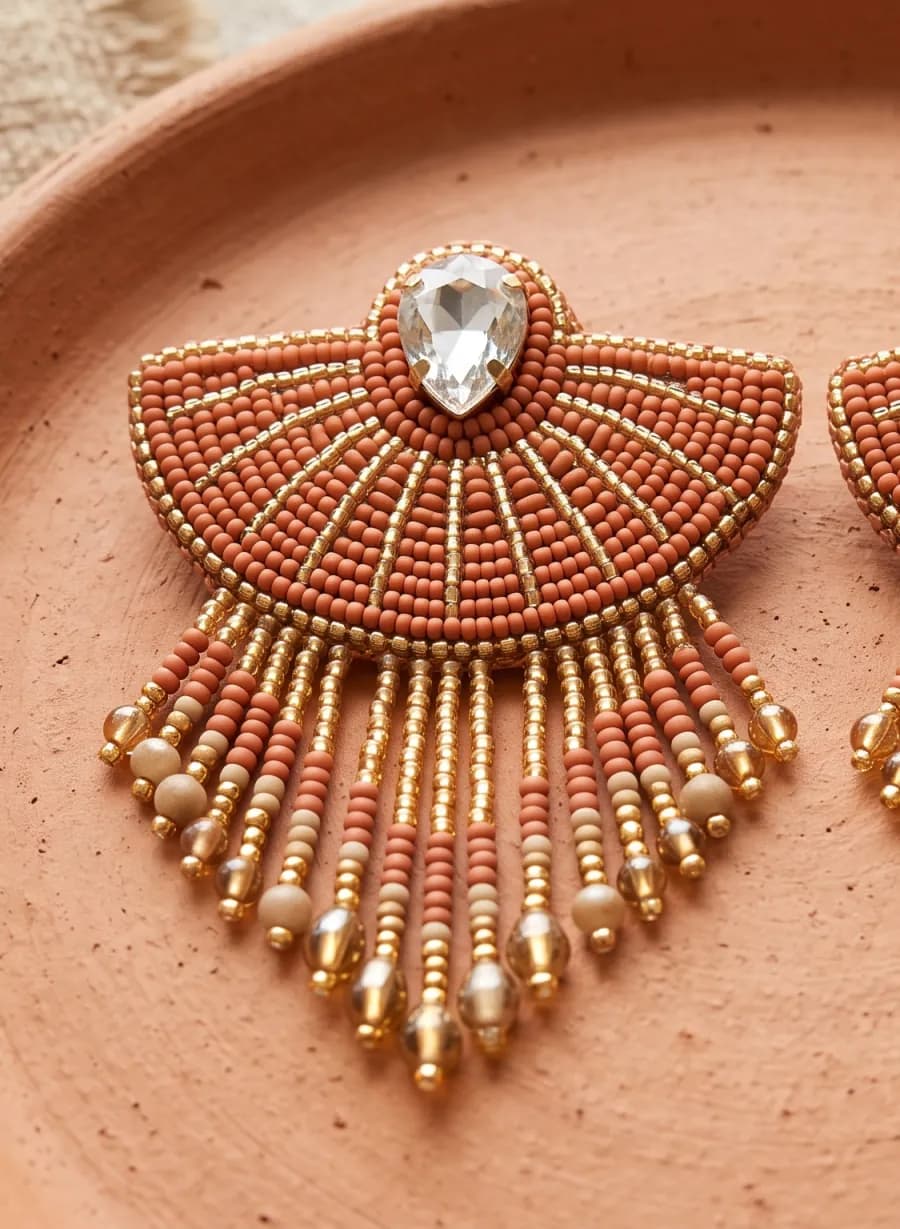
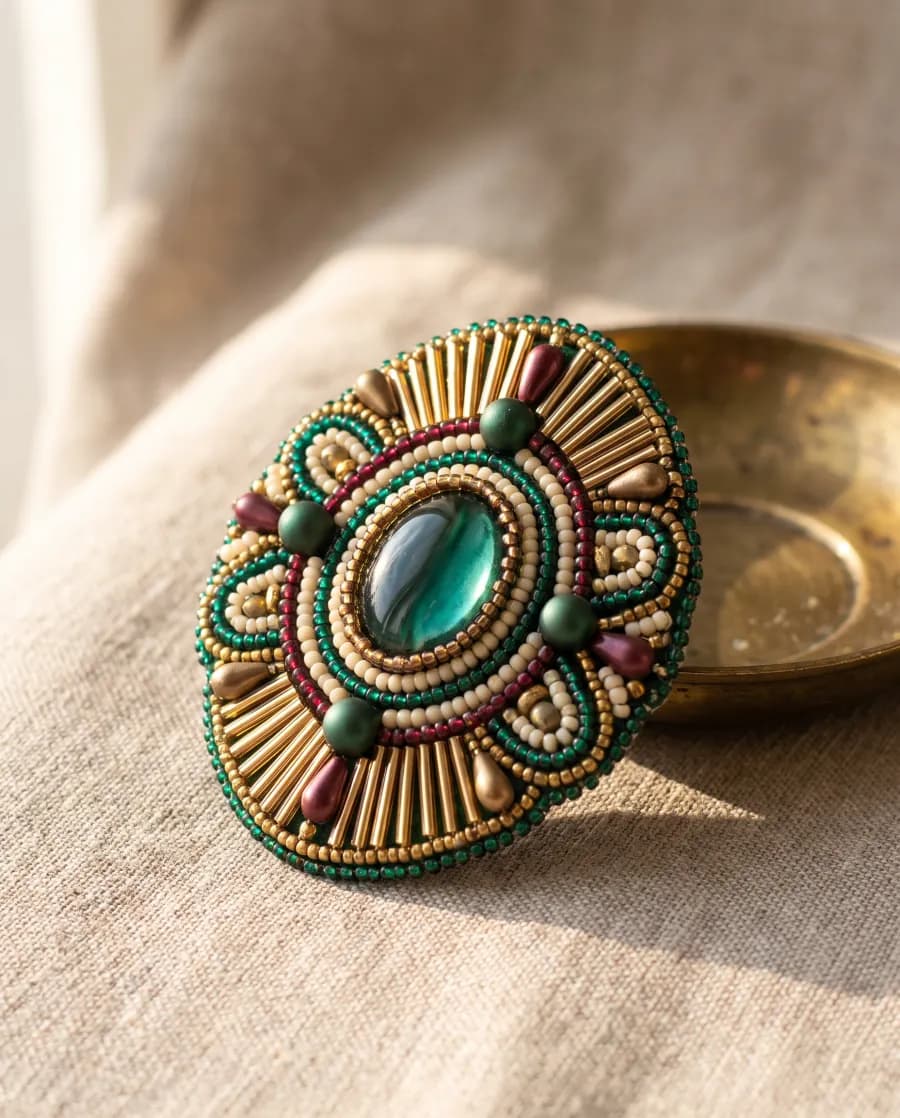
Some beadwork doesn't sit on rows: embroidered motifs, mixed bead sizes, fans and medallions where beads turn as they go round. A custom grid lets you place each bead at its real position, size and angle.
Beads snap to a grid of whole beads when you want them to, and keep their exact place when you rotate or scale a group, so a turned motif stays in shape.
What a custom grid is for
Bead embroidery. Motifs where beads follow curves and outlines.
Mixed sizes. Large accent beads beside seed beads, each at its true size.
Your own templates. A layout you reuse across a whole collection.
How Wevy handles a custom grid
Every bead its own
Move, scale and rotate beads one at a time or as a group.
Snap when you want it
Snapping moves a selection onto whole-bead positions without bending it.
Reusable templates
Save the grid and start new patterns from it.
Still a chart
Color letters, the bead key and exports work as on any grid.
Custom grid questions
How is a custom grid different from freeform?
Freeform is an open canvas on a regular grid with an adjustable cell size. A custom grid lets every bead have its own position, size and rotation.
Can I follow a custom grid in Make mode?
Not yet. Make mode needs a known working order, which a custom layout doesn't have.
Can I save a grid and reuse it?
Yes. Save it as a template and start new patterns from it.
Which plan includes custom grids?
Custom grids are in beta and free on every plan for now. When the beta ends, they will need Pro.
Use the bead pattern maker for free. Upgrade when you need more patterns, exports, image tracing, or custom beads.
Free plan
Start designing
Free
Start with
- 3 cloud patterns
- Cloud backups
- 1 watermarked export per month
- Make mode
- 3D preview
- Bead catalog
Hobby plan
For regular projects
$4.99/month
What’s included
- Everything in Free
- 10 cloud patterns
- 5 PDF exports per month
- 5 image tracings per month
- All beadwork grids
Pro plan
For professional designers
$14.99/month
No more limits
- Everything in Hobby
- Unlimited cloud patterns
- Unlimited exports
- Unlimited image tracing
- Reusable motifs
- Custom beads