What you need
- A photo or picture with one clear subject
- The stitch you will weave: loom, peyote or brick
- The bead you plan to buy, for example Preciosa 10/0 or Miyuki Delica 11/0
- A photo-to-pattern converter and an editor to tidy the chart
Words the chart uses
- Width in beads
- How many beads across the finished piece is. It sets both the size and how much detail survives.
- Colour count
- How many different beads the pattern uses. Fewer colours make clean areas; more keep gradients.
- Bead proportions
- Loom beads are taller than wide, peyote beads wider than tall. A good converter uses the real shape, so a circle stays round.
- Stray beads
- Single beads of an odd colour left by the conversion. They are tiring to weave, so clean them up by hand.
Choose and crop the photo
Bead patterns are low resolution: a bracelet is 10 to 25 beads wide, a large panel 60 to 120. At that size only big shapes and strong contrast survive, so pick a photo with one subject and a plain background, and crop tight around it.
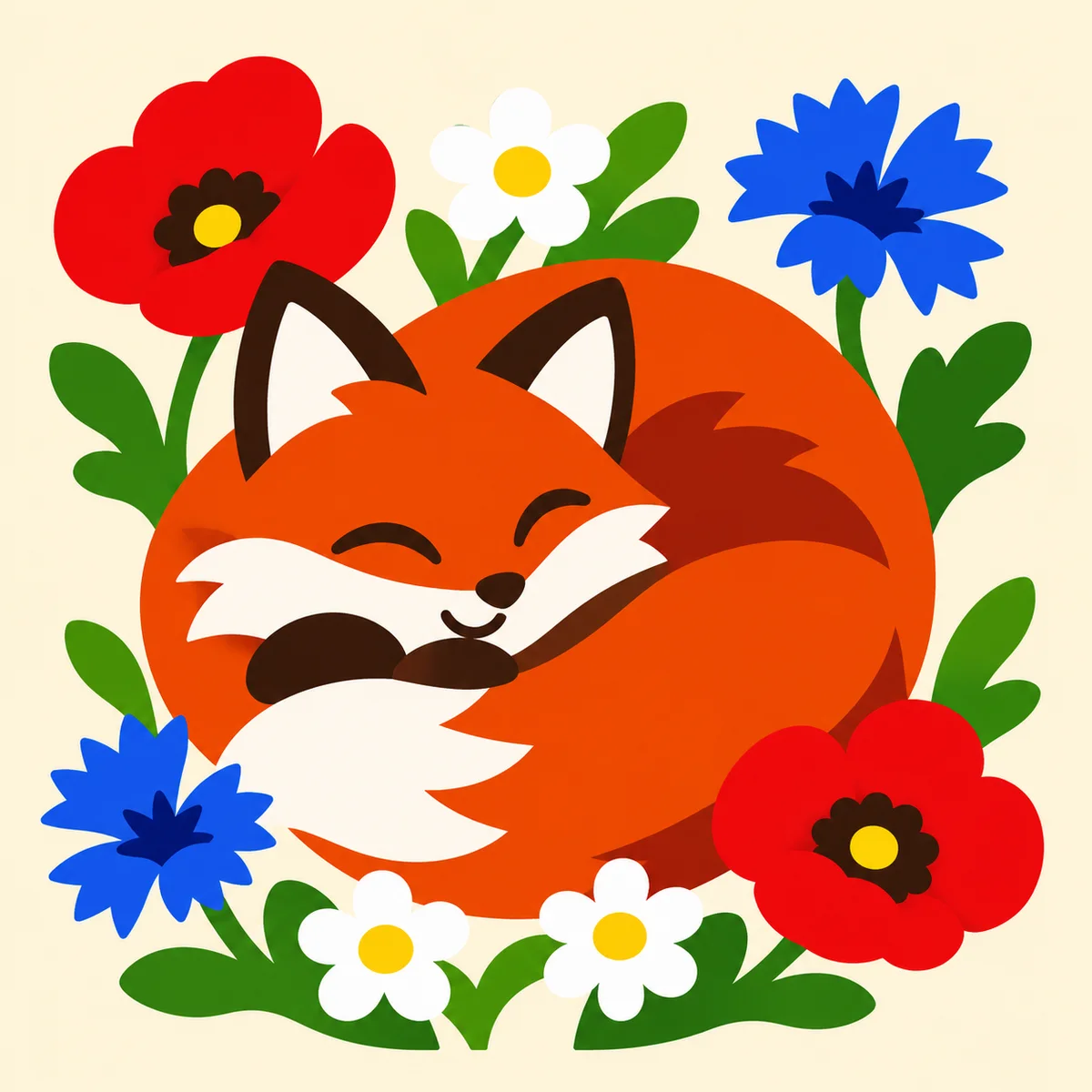
Logos, illustrations, pets and close-up faces convert well. Landscapes and group photos turn into noise. If you can, remove the background first; transparent areas of a PNG stay empty in the chart.
Pick the stitch, bead and width first
Decide the stitch and the bead before you convert, because they change the chart's shape. A square photo 50 beads wide on a loom becomes 50 × 42 beads, since loom beads are a little taller than wide; in peyote the same photo needs more rows.
Then set the width from the piece you want. Multiply by the bead's pitch to see the real size: 40 beads of Preciosa 10/0 on a loom are about 6.9 cm across, 40 Delica 11/0 about 5.2 cm.
Cut the colours and match real beads
Start with 8 to 12 colours. The converter groups similar pixels and swaps each group for the nearest bead in the catalogue you choose, so the chart lists real article numbers instead of screen colours.
Keep dithering low or off. Dithering mixes two colours bead by bead to fake a third; it looks fine on screen and is miserable to weave. Large flat areas are faster to make and read better from a distance.
- 1Upload the photo and crop it to the subject.
- 2Choose the stitch and the bead brand and size.
- 3Set the width in beads and 8 to 12 colours.
- 4Compare the preview with the photo at arm's length.
- 5Open the chart in the editor to clean it up.
Clean the chart up by hand
Every converted chart needs ten minutes of tidying. Remove stray single beads, straighten edges that should be straight, and give eyes and outlines one clear colour. Merge two colours that look the same in glass; you save a bead tube and a lot of colour changes.
Check the bead count per colour before you buy, and add 10 to 15 percent spare. In Wevy the chart's key lists every bead with its count, and Make mode walks the finished pattern row by row.
Common mistakes and fixes
| What you see | Why, and how to fix it |
|---|---|
| The picture is unrecognisable | Too few beads across or a busy photo. Crop closer, remove the background, or add width. |
| Faces look blotchy | Too few colours for skin tones. Add two or three colours in the light and mid tones, not more in the shadows. |
| A circle comes out oval | The chart ignored bead proportions. Convert with the stitch you will weave, not a square grid. |
| Dozens of single beads | Dithering or too many colours. Turn dithering off, merge near-identical colours and clean up by hand. |
Questions beginners ask
Is there a free way to turn a photo into a bead pattern?
Yes. Wevy's image to bead pattern tool converts and previews in your browser for free, with no account and no upload. Opening the chart in the editor to clean it up and export it needs a free account.
How many colours should a photo pattern have?
Around 8 to 12 for most pictures. Portraits may need 14 to 18; logos need only 3 to 5.
What size should a photo bead pattern be?
10 to 25 beads wide for a bracelet, 40 to 60 for a pendant or gerdan medallion, 60 to 120 for a detailed panel. More width keeps more detail but takes longer to weave.
Can I make a bead pattern from a drawing?
Yes, and a drawing converts better than a photo: flat colours and clear outlines survive the shrink with little clean-up.